Cnvrse is a free WordPress live chat plugin. A chat bubble appears on your site, and you answer visitors from the WordPress dashboard, from Telegram or from Discord. There is no hosted chat account and no monthly fee, and conversations are stored in your own WordPress database.
I built Cnvrse so that site owners can answer chats from apps they already keep open, instead of one more dashboard. The plugin and its guides live at cnvrse.com. This page is the short version, from the person who wrote it.
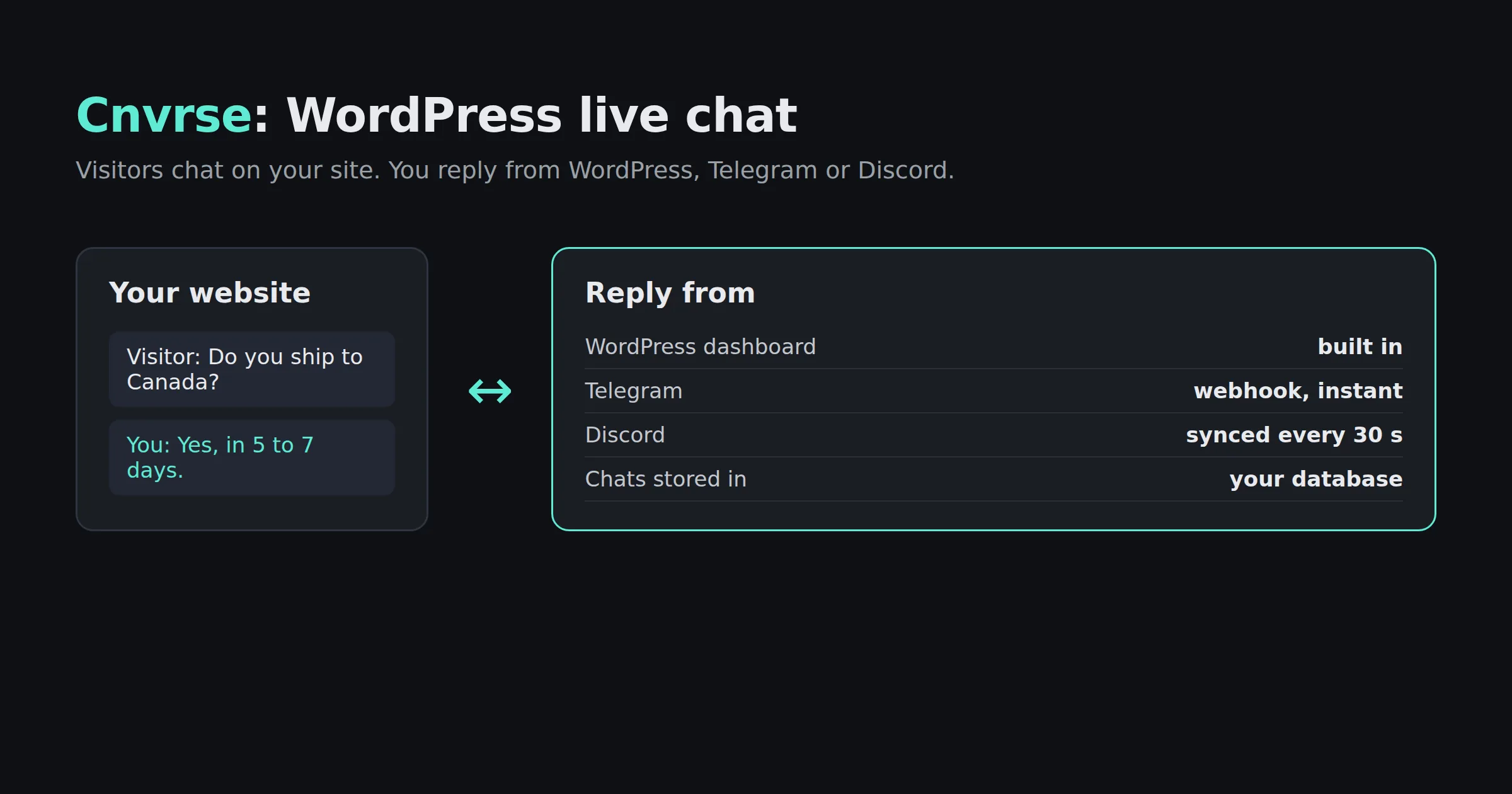
What Cnvrse does
- A chat widget on every page as soon as you activate it. You can change the colors and greeting in Settings.
- A dashboard in WordPress with active visitors, open conversations and the page each visitor is on.
- Telegram replies. Connect a Telegram bot and new messages arrive on your phone. Reply in Telegram and the answer appears in the visitor’s chat.
- Discord replies. Connect a Discord bot and messages arrive in a channel on your server. Reply there and it syncs back to the widget.
- You can connect both apps at once and answer from whichever is closer.
How Cnvrse works
The plugin keeps its conversations and messages in its own tables in your WordPress database. There is no separate chat server in between.
The two chat apps connect differently. Telegram pushes each reply to your site through a webhook, so answers arrive at once. For Discord, a scheduled WordPress task checks the channel for new replies every 30 seconds. Either way, the visitor sees your reply in the same chat window.
When you connect Telegram or Discord, visitor messages are sent to that app so you can read them there. If you only use the WordPress dashboard, chats stay entirely on your site. The free version keeps conversations for 24 hours, which suits live support. The front end is plain JavaScript with no jQuery.
Set it up in three steps
- Install the plugin from WordPress.org and activate it. The widget is live.
- To reply from your phone, create a Telegram bot with BotFather and paste its token in the plugin settings. It finds your chat ID for you. The Telegram setup guide has screenshots.
- For Discord, create a bot in the Discord Developer Portal, add it to your server, and paste the token and channel ID. See the Discord setup guide.
Why I built it this way
Three choices shaped the plugin. First, no account: the plugin should work the moment it is active. Second, no monthly fee and no per-seat pricing for a single site owner. Third, the data stays in WordPress, where the site owner already controls it. If you are comparing options, cnvrse.com has an honest Cnvrse vs Intercom vs Drift comparison.
Common questions
Does Cnvrse work without Telegram or Discord?
Yes. Both are optional. You can answer every chat from the WordPress dashboard.
Is Cnvrse free?
Yes. The plugin is free on WordPress.org, with no monthly fee or message limit. A Pro version is planned with longer history and more agents.
Does it work with WooCommerce?
Yes. It works with any theme and with WooCommerce. There is a guide to adding live chat to WooCommerce.
Where are conversations stored?
In your WordPress database. When Telegram or Discord is connected, messages are also sent to that app so you can reply there.
Is Cnvrse related to Converse shoes?
No. Cnvrse, spelled without the “o” and “e”, is a live chat plugin for WordPress.
Get Cnvrse
Related
- Iris, which also uses Telegram, to talk to Claude Code from your phone
- Discord API and Slack API, my PHP packages for those platforms
- All contributions