Mailchimp stores names in two merge fields, FNAME and LNAME. Consequently, a single “your-name” field will not populate both. This guide maps Mailchimp first and last name fields from one Contact Form 7 form so each lands in the right place.
You will need your API key connected first, and the extension installed.
Separate fields for name and last name
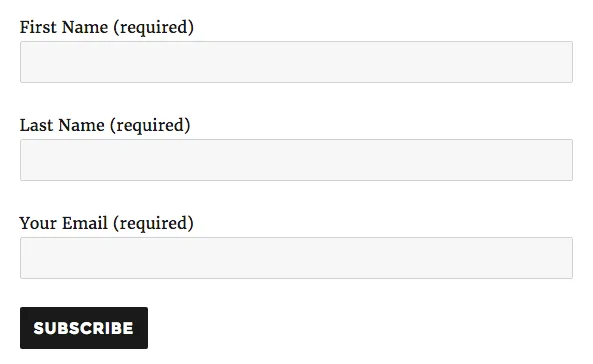
Start with a form that already has separate first and last name fields, like the one below. It uses [your-first-name] and [your-last-name]. We will map each one to your Mailchimp audience:
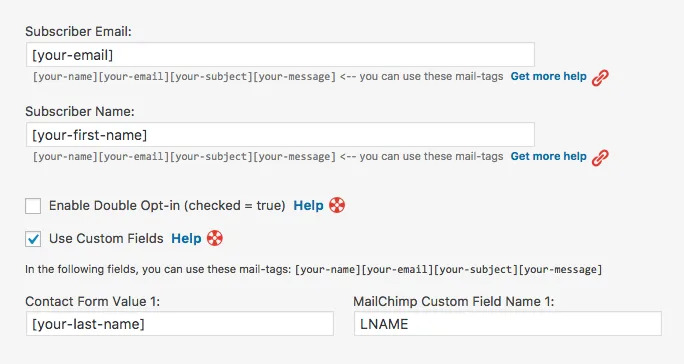
Open the Custom Fields section in the plugin settings. By default, ‘Subscriber Name’ maps to LNAME. So you only need one extra custom field, pointing [your-last-name] at LNAME:
Now send two test submissions. Check that both fields reach Mailchimp. Confirm they land in the audience you chose.
Cheers,