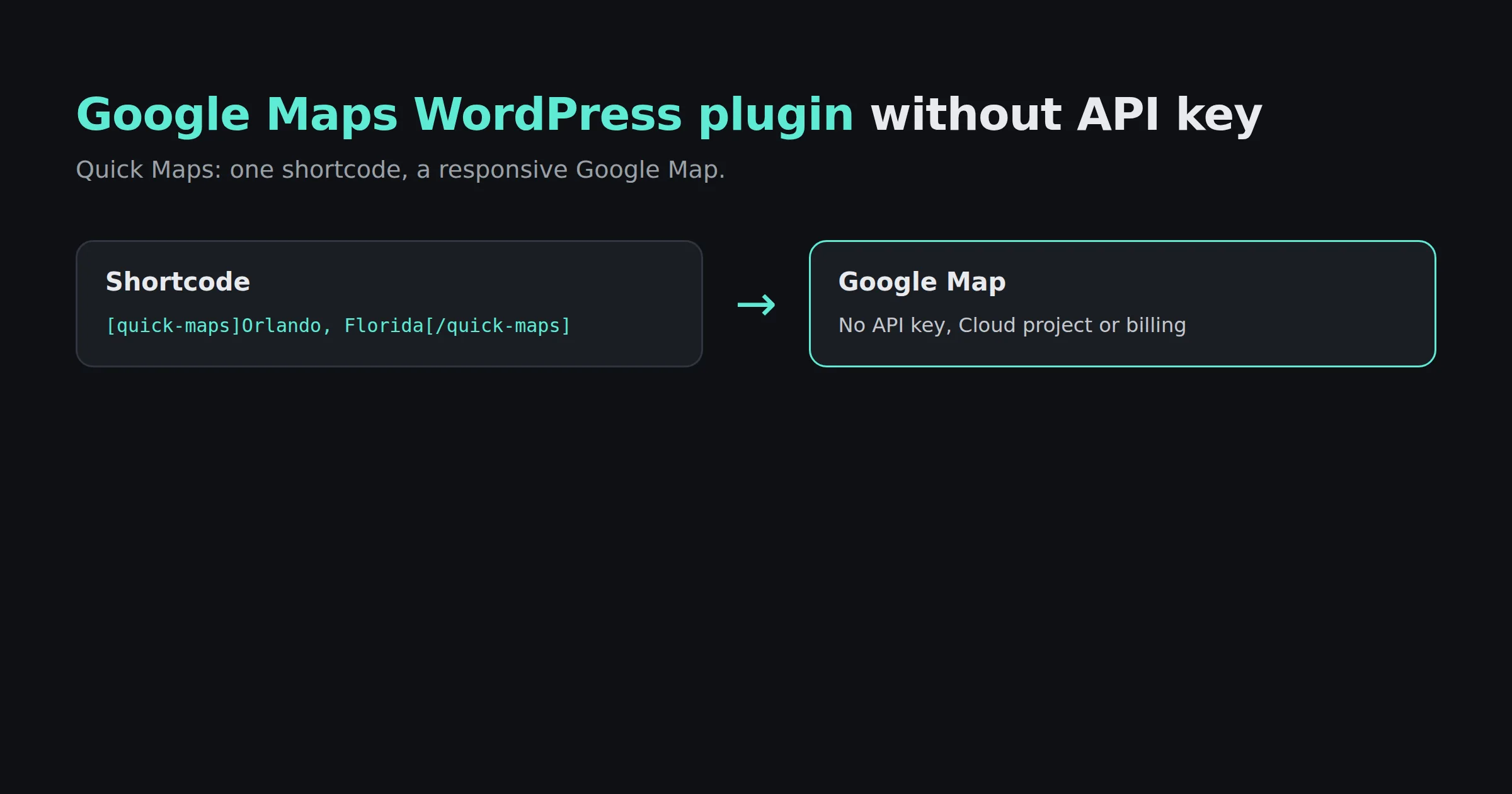
Quick Maps is a free Google Maps WordPress plugin without API key setup. Put an address inside the [quick-maps] shortcode and a responsive Google Map appears. Basic maps use Google’s standard embed, so you do not need a Google Cloud project, an API key or a billing account.
I released it on WordPress.org in November 2019 for the most common map job on a business site: showing where the office is. The full documentation lives at quickmaps.io. This page is the overview from the person who wrote it.
Add the Google Maps WordPress plugin without API setup
- Install Quick Maps from WordPress.org and activate it.
- Edit a page, post or widget and add the shortcode with a place inside it:
[quick-maps]Orlando, Florida[/quick-maps]Use an address, a business name, a landmark or coordinates. The map fills the width of its container by default.
Shortcode options
| Attribute | What it does | Example |
|---|---|---|
width, height |
Sets the map size; width defaults to 100% | height="500px" width="75%" |
type |
Road map, satellite, hybrid or terrain | type="satellite" |
zoom |
From 0 (whole world) to 21 (street level) | zoom="16" |
lang |
Map labels in another language | lang="es" |
from, to |
Driving directions between two places | from="Orlando, FL" to="Miami, FL" |
Each option has a full guide in the Quick Maps documentation, including directions and map type and zoom.
Why a Google Maps WordPress plugin without API keys
Google’s Maps JavaScript API needs a Cloud project, an API key and a billing account, even for a single pin on a contact page. For most small sites that is more setup and risk than the job needs. A standard embed shows the same map for the common cases. When you do need the API, for example custom markers or styled maps, use a plugin built on it. The quickmaps.io guide on Google Maps API pricing explains when that point comes.
Fast by default
The map uses the browser’s native lazy loading. A map further down the page does not load until the visitor scrolls near it, so it does not slow the first view of the page.
Common questions
Do I need a Google Maps API key?
Not for basic maps. Quick Maps uses Google’s standard embed, which needs no key, Cloud project or billing account.
Can I show directions?
Yes. Use the from and to attributes to show a driving route between two places.
Can I show a satellite or terrain map?
Yes. Set type to satellite, hybrid or terrain. The default is the road map.
Does it work in page builders?
Yes, in any widget or builder element that runs WordPress shortcodes.
Is Quick Maps free?
Yes. The plugin is free on WordPress.org.
Download Quick Maps
Related
- Google Maps MCP, for AI agents that need places, routes and geocoding
- Blocks, reusable content and site variables for WordPress
- All contributions